Whatsapp for Business: A Free Tool to Grow Your Business Online
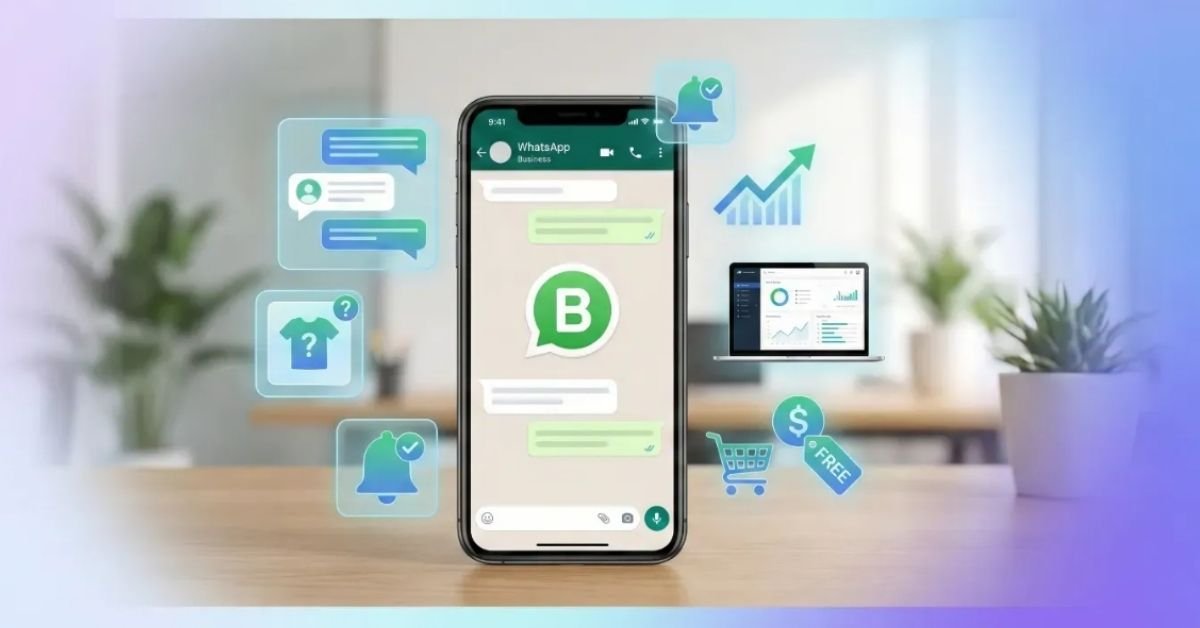
If you still believe that taking your business online requires expensive tools, paid software, or technical knowledge, you’re already thinking the wrong way. All you actually need is a smartphone and WhatsApp Business.
WhatsApp Business allows you to automate conversations, showcase products, manage customers, and promote your services, completely free. With over 2 billion active users worldwide, WhatsApp isn’t just a messaging app anymore, it’s a direct communication channel between businesses and customers.
People check WhatsApp 10–20 times a day, while emails are often ignored or opened once at best. That single fact alone makes WhatsApp Business one of the highest-engagement platforms for small and medium businesses.
Difference Between WhatsApp Messenger & WhatsApp Business
Many businesses make a basic mistake. They run their business on normal WhatsApp. That limits growth.
WhatsApp Messenger
- Built for personal communication
- Basic profile (photo, name, status)
- No analytics, automation, or product showcase
WhatsApp Business
- Designed specifically for businesses
- Detailed business profile (website, address, working hours)
- Built-in catalog, labels, analytics, and automation
If you’re running a business and still using WhatsApp Messenger, you’re doing unnecessary manual work and losing potential customers.
How to Set Up WhatsApp Business (Step-by-Step)
The setup is simple and takes less than 10 minutes.
Download the App
Search WhatsApp Business on Play Store or App Store.
Verify Your Number
Enter your phone number and verify it via OTP.
Create Your Business Profile
- Business name
- Category (Education, Retail, Services, etc.)
Add Business Details
- Description
- Address
- Email & website (important for credibility)
Branding Matters
Upload a logo as a profile photo. Businesses without branding look untrustworthy, that’s a fact.
Once done, your profile works like a mini landing page inside WhatsApp.
WhatsApp Business Features That Save Time & Increase Sales
- Product Catalog (Your Digital Brochure)
Instead of sending product images again and again, create a catalog.
- Add product images, prices, descriptions, and links
- Customers can view everything directly from your profile
- Works like a mobile storefront
This feature alone reduces repetitive questions by 50–60%.
- Automated Messages (Work Even When You’re Offline)
- You can’t reply 24/7, but automation can.
- Greeting Message – Automatically welcomes new customers
- Away Message – Replies when you’re offline or outside business hours
- Quick Replies – Save frequently used answers
Example:
Type /delivery → Instantly send delivery charges and timeline.
This is basic automation, but extremely powerful when used correctly.
- Labels (Stop Losing Track of Customers)
- Once chats increase, chaos starts. Labels fix that.
- New Customer
- Pending Payment
- Order Completed
- Follow-up Required
You instantly know who needs attention and who doesn’t.
Businesses that don’t organize chats eventually lose leads — no exception.
- Broadcast Lists (Marketing Without Spamming)
Never send promotional messages via Groups.
Use Broadcast Lists instead:
- Messages go individually
- Customers don’t see others’ numbers
- Up to 256 contacts per list
Important rule:
Send relevant offers only. Spam = reports = account restriction.
How Customers Can Reach You Faster
WhatsApp Short Links & QR Codes
You can create a direct chat link or QR code.
- Share it on Instagram, Facebook, Google Business Profile
- Print it on visiting cards or pamphlets
- Pre-set a message like “Hi, I’m interested in your service”
This removes friction and increases inquiries.
Website Integration (Highly Recommended)
If you have a website, add a Click-to-Chat WhatsApp button.
For WordPress users:
- Install a “Click to Chat” plugin
- Add your number
- Customize button placement
This instantly improves lead generation.
If you’re already investing in website development or SEO, not integrating WhatsApp is simply lazy execution.
Privacy & Security Settings You Should Fix Immediately
Privacy & Security Settings You Should Fix Immediately
- Hide Last Seen and Online Status if needed
- Turn off read receipts (blue ticks)
- Enable Google Drive backups (Daily or Weekly)
Losing customer chats because you didn’t enable backups is a rookie mistake.
WhatsApp Business App vs WhatsApp Business API
| WhatsApp Business App | WhatsApp Business API |
|---|---|
| Free | Paid |
| Best for small businesses | Multiple team members |
| Manual chats and basic automation | Advanced chatbots & CRM integration |
A Simple Thing to Remember
WhatsApp Messenger = Your personal living room
WhatsApp Business = Your office reception
The reception has:
A nameplate (Profile)
A brochure (Catalog)
A receptionist (Auto-replies)
Use the right space for the right purpose.
Conclusion:
If you run any kind of business and you’re not using WhatsApp Business properly, you’re leaving money and leads on the table. It’s free, powerful, and already installed on your customers’ phones.
And if you want to scale faster, WhatsApp works best when combined with:
A professional website
SEO for long-term traffic
Paid ads for instant visibility
If you’re looking for help with digital marketing, website development, or lead generation, explore our Digital Marketing Services. We’ll help you turn conversations into conversions.